1.- Download the Cuby Smart app.

https://cuby.mx/app/android

https://cuby.mx/app/ios
2.- Register or log in:
If you don't have an account, create a new one using your email address.
If you already have an account, log in with your email address and password.
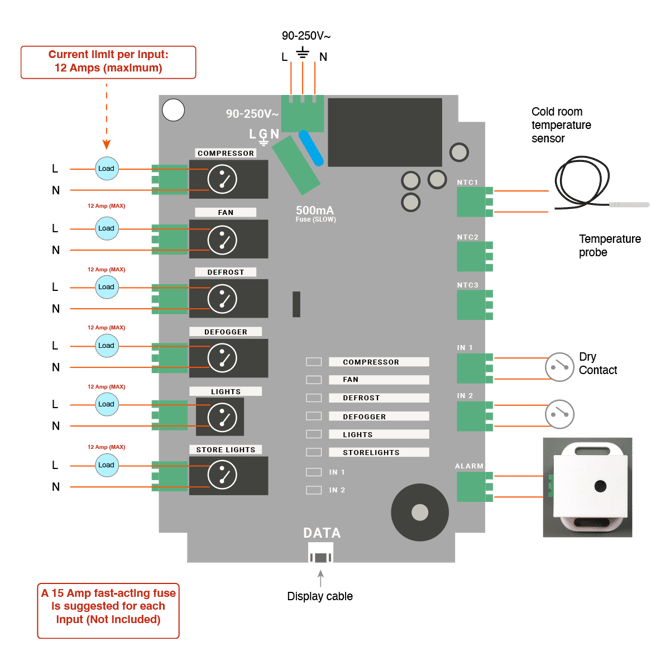
CONNECTION DIAGRAM
WIFI CONFIGURATION
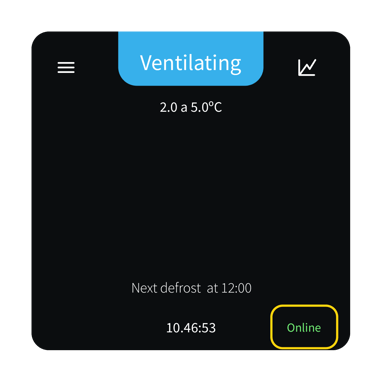
1.-Tap on the word “Online” on the Cold Room device screen.
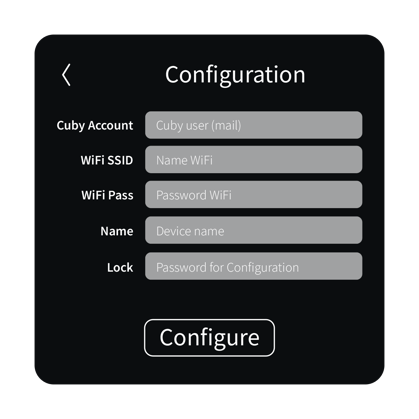
 2.- A configuration menu will appear. Fill in the information and tap on configure:
Make sure you enter the information correctly.
App Cold Room
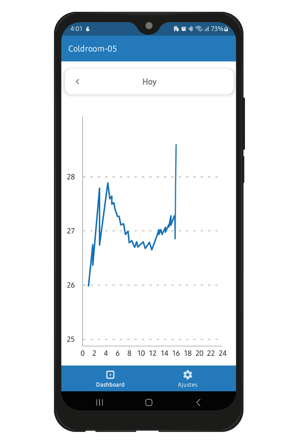
Control view:
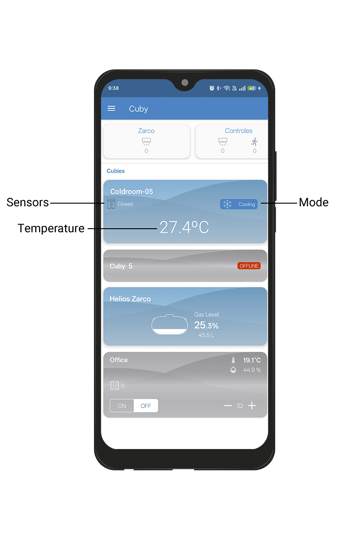
Dashboard
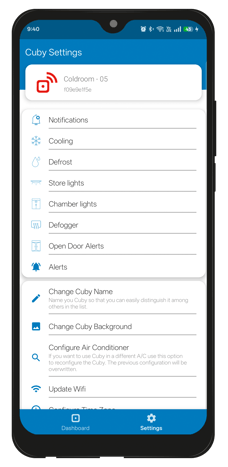
Features
Configure parameters and times according to each function.
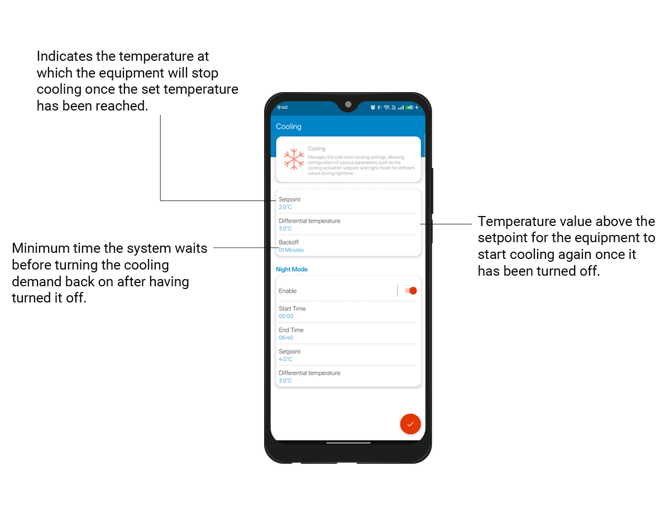
Cooling
Manage the cooling settings of the cold room.
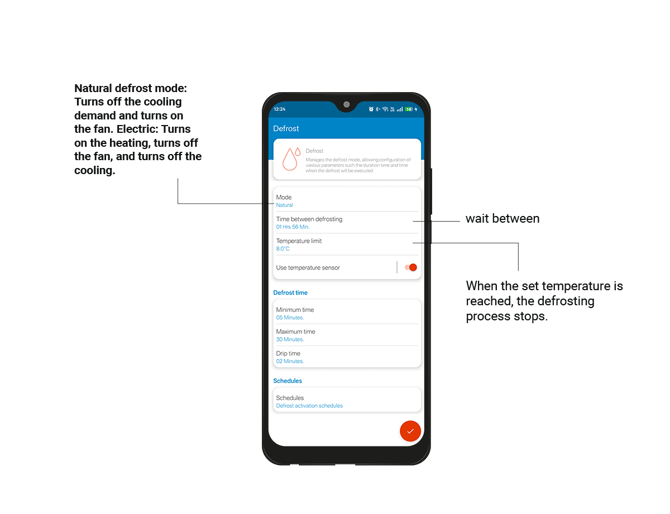
Defrost
Manages the defrost mode, allowing you to configure the duration and when it will run.
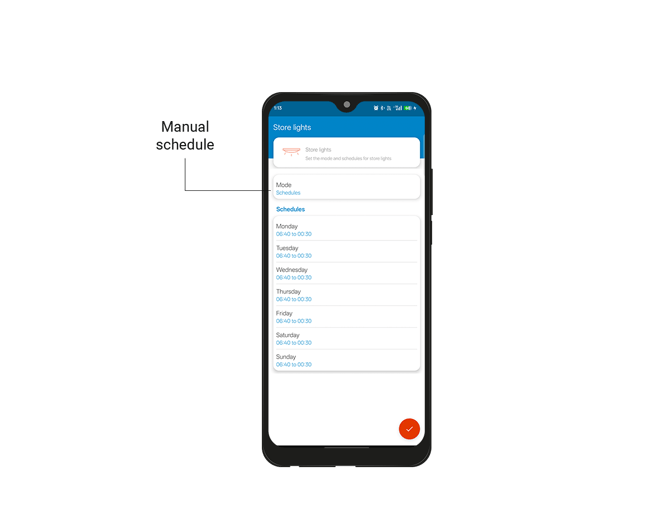
Store lights
Configure the mode and schedules for the store lights.
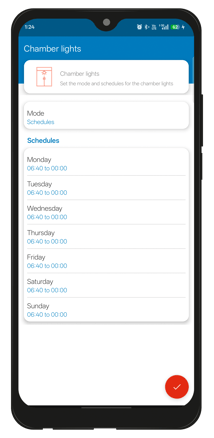
Cold room lights
Configure the mode and schedule for the store lights.
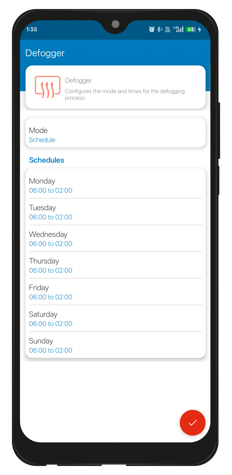
Defogger
Configure the mode and timing of the defogging process.
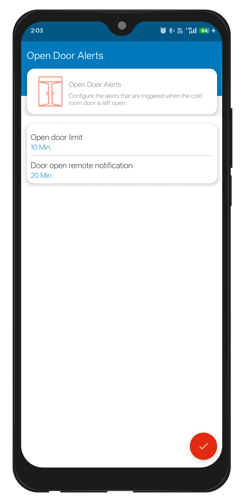
Open door alerts
Receive alerts when doors are left open for a set period of time.
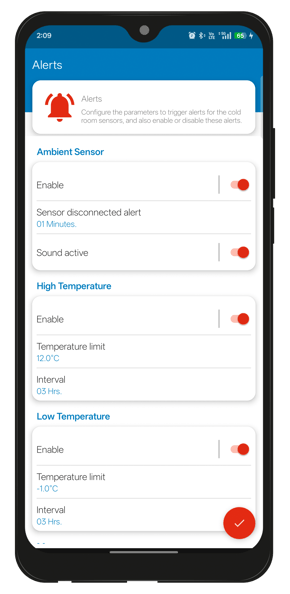
Alert
Receive alerts when events related to the environmental sensor occur, such as changes in temperature, loss of power, and connectivity.